
Make your notes easy to question, not just easy to reread
Use a note column, a cue column, and a brief summary to build a page you can test yourself from.
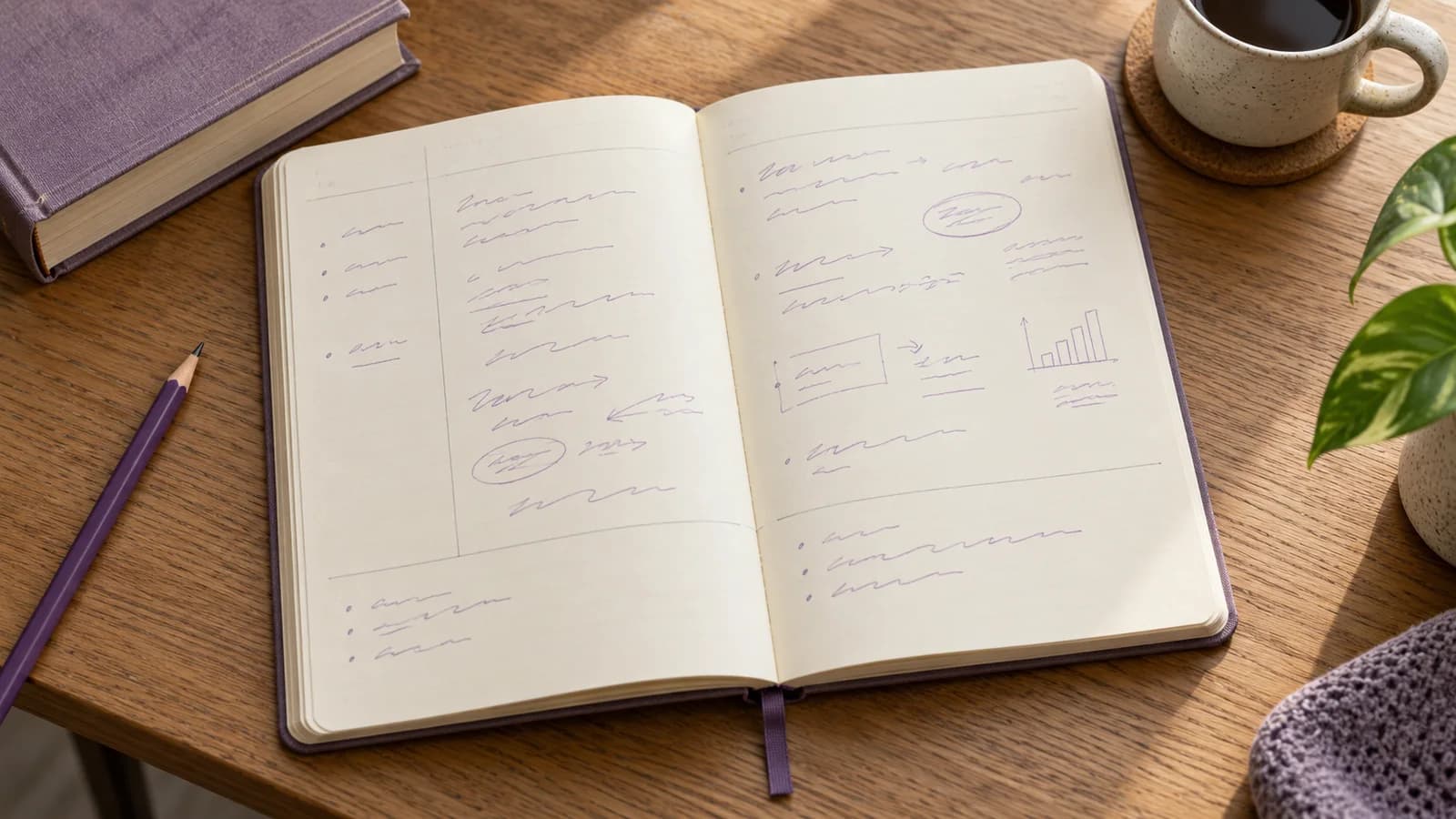
What goes on a Cornell notes page?
Cornell’s own template separates notes, cues, and a summary. Record material, develop questions, then cover the notes to practise answering. Treat the layout as a way to support that activity, rather than a page-decoration project.
On paper, leave a narrower cue area beside a wider note area and some space below for a summary. Digitally, use headings, a table, or two windows if that is easier. Brainote does not need a dedicated Cornell template for you to apply the question-and-answer process.
Capture the explanation during class
Give the page a topic and a source reference. Record the main claim, an example, and anything the lecturer qualifies. Leave a visible gap when something is missing instead of inventing a connection while rushing.
For a statistics page, record “mean = total divided by count” alongside 2, 3, 10 → 5, and “median = middle ordered value” alongside 2, 3, 10 → 3. The calculations let you check what the terms mean later.
Convert headings into questions afterward
In the cue area, replace a label such as “mean versus median” with “Why does changing 10 to 100 affect these measures differently?” In the summary area, write your own explanation: the mean uses every value’s size; the median depends on the ordered middle position.
Do not squeeze a paragraph into each cue. A useful cue asks one clear question and points to an answer you can check. Add a second cue for a separate misconception, such as confusing a typical value with the largest value.
Cover the notes and use the page
Hide the explanation and answer from the cues. Reveal the notes only after trying. Mark missing steps, correct them, and try a different example on another day. A well-organized page is still passive if you never use its questions.
For an essay course, make cues about evidence and counterarguments. For mathematics, keep worked steps and add independent problems. A column layout cannot substitute for practising the response your exam demands.
Connect the page to a manageable study set
In Brainote, start from the relevant course note, draft questions, and compare the answers with your material. Carry across only cues that deserve repeated practice. Keep the original page or source reference available when correcting a card.
Use note chat to clarify an unclear distinction, then answer again in your own words. Check the current app’s supported import and export options if a specific file format is essential; this guide does not promise automatic Cornell formatting or document export.
Sources and further reading
- 1.The Cornell Note Taking System (Cornell University Learning Strategies Center)
- 2.Cornell Note-taking System template (Cornell University Learning Strategies Center)
FAQ
Do the columns need exact dimensions?
The functional split matters most for this workflow. Follow your instructor’s template if dimensions are required for an assignment.
Can I use Cornell notes digitally?
Yes. Use a layout where you can hide the explanation while keeping the questions visible.
Should every note become a flashcard?
No. Select important, reusable questions and remove duplicate or low-value cues.
Are Cornell notes best for every class?
No. Adapt to the subject: diagrams, worked problems, or essay plans may need more space and different structures.
Cornell Notes: A Note-Taking Method You Can Actually Revise From
Learn the Cornell note-taking method with a practical page layout, a worked example, cue questions, and a way to turn notes into checked study prompts.