Brainnotes Logo

Brainote

ابدأ مجانًا

Open AppGet Pro
AI study appتاريخ النشر: 9 يوليو 2026آخر تحديث: 9 يوليو 202614 دقائق للقراءة

NotebookLM made source-grounded AI study mainstream. Students now need the full workflow.

NotebookLM alternativeschat with PDFPDF to flashcards

The best AI study app should capture your sources, turn them into useful notes, generate flashcards and quizzes, and let you ask questions grounded in your own material.

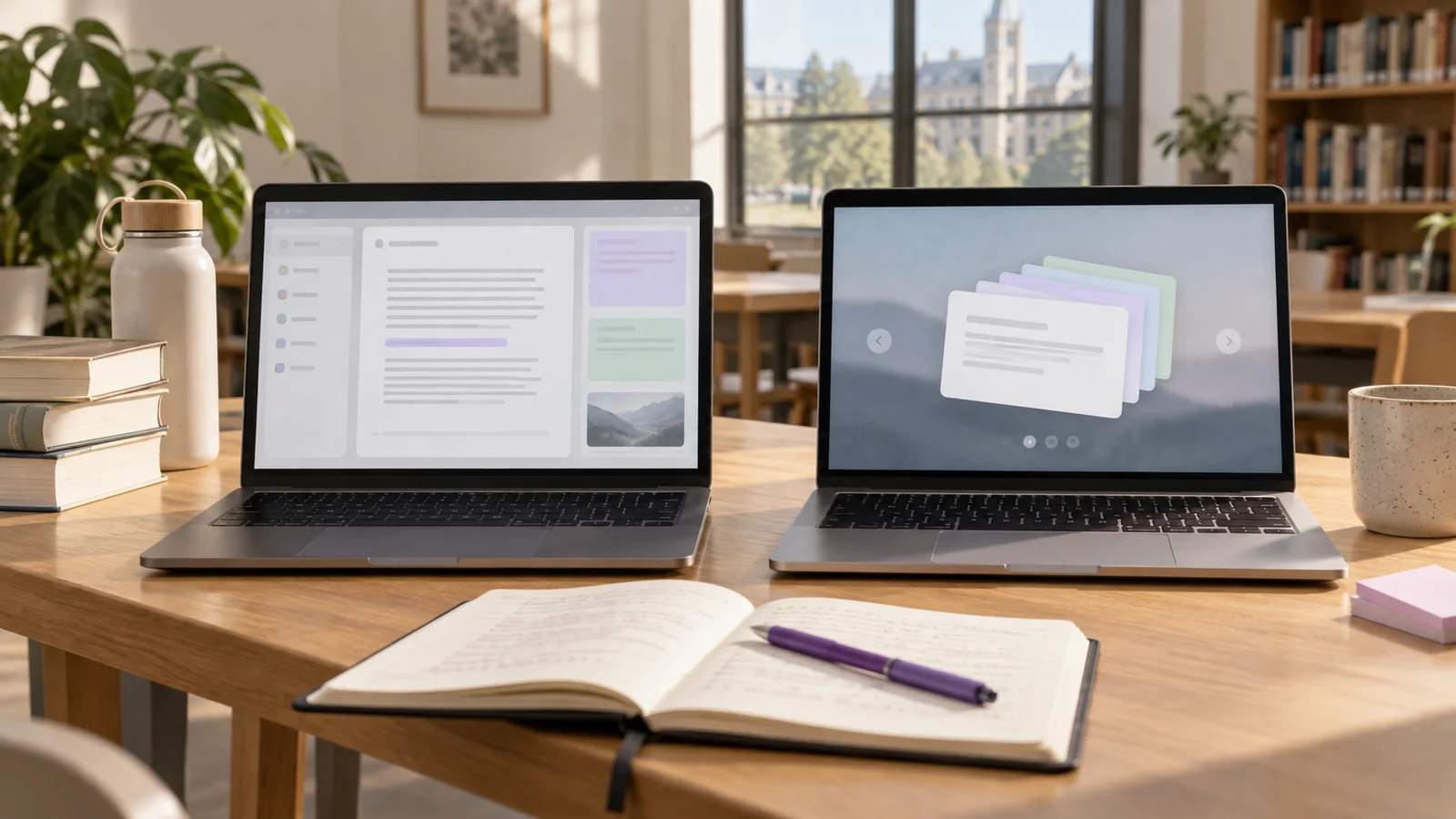
Visual Reserved

AI study workflow visual

Reserved for a workflow graphic showing source capture, notes, flashcards, quizzes, and note chat.

What students now expect from AI study apps

The clearest product shift is not one narrow feature. Students want a complete study workflow: AI notes, NotebookLM-style source grounding, chat with PDF, PDF to flashcards, study guide generation, quiz generation, and lecture note capture.

That matters because each feature solves a different part of the same problem. PDF chat helps students interrogate course material. Flashcards help them retrieve facts and definitions. Quizzes expose weak spots. Study guides organize scattered material before review.

A good AI study app should connect those jobs instead of splitting them across separate tools. The student should be able to move from a source to a note, from a note to practice, and from practice back to clarification without rebuilding context.

  • AI study app is the umbrella category because it captures the broad workflow students need.
  • NotebookLM alternatives should be judged by workflow quality, not by whether they copy one interface.
  • Chat with PDF, PDF to flashcards, and study guide generation are practical parts of the same study loop.
  • Quiz generation is product-relevant because it turns notes into retrieval practice.

Why NotebookLM changed student expectations

NotebookLM changed the mental model for AI study tools because it made source-grounded AI feel normal. Instead of asking a general chatbot for an answer and hoping it is relevant, students can upload sources and ask questions against those sources. That shift matters. A student does not just want a fluent answer; they want an answer connected to the lecture, PDF, slide deck, or article they actually need to study.

NotebookLM-style tools have also normalized learning-focused outputs such as flashcards and quizzes. That is the important product shift: the value is moving beyond summarization into active review. Once students expect source-based answers, auto-generated quizzes, and study artifacts, every AI study app is judged against that workflow.

The weakness of a NotebookLM-only workflow is not that it lacks intelligence. It is that students often need an app built around study execution. They need capture from lectures, PDFs, pasted notes, websites, and audio. They need a library of study outputs. They need quick review, note chat, quiz sessions, and flashcards that can be revisited. The best NotebookLM alternatives are not clones. They are tighter study systems.

The real student workflow: capture, understand, retrieve, repeat

A useful AI study app should not stop at making a document look cleaner. The workflow should map to how students actually learn. First, capture the material. That might be a lecture recording, a PDF chapter, a web article, a pasted reading, or a YouTube transcript. Second, convert that raw material into a structured note with headings, definitions, examples, and exam-relevant distinctions.

Third, turn the note into retrieval. This is the step most summary tools miss. Learning improves when students have to answer questions, recall facts, compare ideas, and apply concepts without looking. Flashcards and quizzes are not decorative features; they are the mechanism that turns stored information into memory.

Fourth, repeat the material over time. A single AI summary is useful for orientation, but it is rarely enough for durable learning. If the student never revisits the generated material through quizzes or flashcards, the app mostly created a prettier archive.

  • Capture: record lectures, upload PDFs, paste text, or import web material.
  • Structure: generate headings, key definitions, examples, and concise explanations.
  • Retrieve: create flashcards, quizzes, and short-answer prompts from the note.
  • Clarify: chat with the note when a concept is confusing or underexplained.
  • Repeat: revisit the highest-value questions instead of rereading everything.

Visual Reserved

AI study workflow map

Reserved for a workflow map connecting notes, PDFs, flashcards, quizzes, and note chat.

What to look for in an AI study app like NotebookLM

The right feature checklist depends on what kind of student you are, but the baseline is clear. A serious AI study app needs source handling, output quality, and active recall. If it only summarizes text, it is a note cleanup tool. If it converts sources into notes, flashcards, quizzes, and chat, it becomes a study system.

Source handling is the first test. Students rarely study from one clean document. They use messy lecture recordings, slides, textbook PDFs, copied notes, links, screenshots, and professor handouts. The app should accept the formats students actually have, then normalize them into a note that can be searched and reused.

The second test is whether the app creates study outputs directly. A PDF summary is useful, but a PDF-to-flashcards workflow is more actionable. A lecture transcript is useful, but a lecture-to-quiz workflow is more diagnostic. The best tools shorten the gap between source capture and exam practice.

  • PDF support: upload a chapter or paper, extract the important points, then generate cards or questions.
  • Audio support: record a lecture, transcribe it, and turn it into structured notes.
  • Web support: summarize a page or article into a study note without copying fragments manually.
  • Flashcards: generate focused prompts that test one idea at a time.
  • Quizzes: create multiple-choice or short-answer practice with explanations.
  • Chat with notes: ask follow-up questions grounded in the uploaded material.
  • Library organization: keep notes, quizzes, and flashcards connected to the original topic.

Where most AI study apps fail

The most common failure is confusing summarization with studying. A summary can make material easier to scan, but it does not prove that the student can retrieve the material later. If an app produces a polished note and stops there, it risks reinforcing passive review habits.

The second failure is weak grounding. General AI answers can be fluent and wrong. Study tools need to answer from the note, PDF, transcript, or lecture whenever possible. When a student asks, "What did my professor mean by this?" the answer should reflect the uploaded material, not a generic web explanation.

The third failure is output sprawl. Some tools generate huge decks, giant notes, or long lists of questions because more content feels impressive. That usually hurts students. A smaller set of high-yield flashcards or quiz questions is more reviewable than a massive deck that never gets opened again.

The fourth failure is missing workflow state. Students need to know what is still processing, what is ready to study, what has already been converted into quiz or flashcard form, and what they reviewed. Without that state, the library becomes another pile of files.

How Brainote fits this student need

Brainote is best positioned around the broad "AI study app" student need rather than only one narrow feature. The product direction matches what the student workflow suggests students want: a place to create notes from multiple sources, then turn those notes into active study outputs.

The strongest positioning is not "another NotebookLM alternative" in a generic sense. It is "a student-first AI study workflow." That means pasted text, web links, PDFs, and audio recordings should all become structured notes. From there, those notes should generate flashcards, quizzes, and chat sessions without the student rebuilding context every time.

That positioning also gives the blog strategy a clear structure. Use "AI study app" for the broad comparison and buying intent. Use "chat with PDF," "PDF to flashcards," "study guide generator," "AI lecture note taker," and "quiz generator from notes" as supporting pages that each answer a specific workflow problem.

Recommended workflow for students

The most practical workflow is simple enough to repeat every week. Start with one source, not an entire course. Generate the note. Check the structure. Convert only the highest-value concepts into flashcards or quiz questions. Then use chat when something is unclear.

This prevents the common AI study trap: producing more material than you can review. The goal is not to create the longest possible study library. The goal is to create the smallest reliable set of prompts that helps you remember and explain the course content.

  • Upload or paste one source: a lecture, PDF, web article, or note set.
  • Generate a structured note and skim the headings for accuracy.
  • Mark the core definitions, contrasts, formulas, and processes.
  • Generate flashcards from only the high-yield concepts.
  • Generate a short quiz to expose weak spots.
  • Ask the AI chat for clarification on confusing sections.
  • Review missed quiz questions and flashcards before adding more sources.

The product takeaway: build around workflows, not isolated features

The strongest study workflow connects the major student jobs instead of treating them as separate products. A student who summarizes a PDF today may need flashcards tomorrow. A student comparing NotebookLM-style tools may actually need lecture recording, quizzes, and a cleaner library.

That is the product lane Brainote should own: source capture, structured notes, recall practice, and note-grounded chat in one place.

الأسئلة الشائعة

Is NotebookLM enough for students?

NotebookLM is useful for source-grounded reading, question answering, and study outputs. Many students still need a more complete study workflow around lecture recording, PDF imports, flashcards, quizzes, and a personal library of generated notes.

What is the best AI study app feature to prioritize?

Prioritize active recall features. Summaries help you understand the material, but flashcards, quizzes, and note-grounded chat are what turn the material into something you can retrieve later.

Are AI-generated flashcards worth using?

Yes, if you edit or review them for accuracy and keep the deck small. The best cards test one idea at a time and are tied back to the original note, PDF, or lecture.

How do I avoid hallucinated study notes?

Use tools that work from your source material, keep the original source available, and verify definitions, formulas, dates, and claims before treating the output as exam-ready.

What should I use for PDFs and lecture recordings?

Use a workflow that turns PDFs and recordings into structured notes first, then into quizzes or flashcards. A raw transcript or PDF summary is useful, but it should not be the final study artifact.

Best AI Study Apps Like NotebookLM: Chat With PDFs, Generate Flashcards, and Make Quizzes

A practical guide to choosing an AI study app in 2026, including NotebookLM alternatives, chat with PDF tools, PDF-to-flashcards workflows, quiz generators, and AI note takers.

المدونة

مقالات ذات صلة